A Nightreign Patch Day: What Version 1.03.5 Means for Online Players
ELDEN RING NIGHTREIGN update: App Ver. 1.03.2, Regulation Ver. 1.03.5. Update and restart to play online on PS4, PS5, Xbox, and Steam.
Hey, fellow Nightfarer. It is 2026, and I am still booting up ELDEN RING NIGHTREIGN like it owes me money. The latest patch note I am looking at is short, but it has that quiet urgency: App Ver. 1.03.2, Regulation Ver. 1.03.5. If you are on PS4, PS5, Xbox One, Xbox Series X|S, or Steam, this is the version check you need to pass before you jump into online play. No biggie, right? Except it absolutely is a biggie when the game refuses to let you matchmake because your regulation file is living in the past.
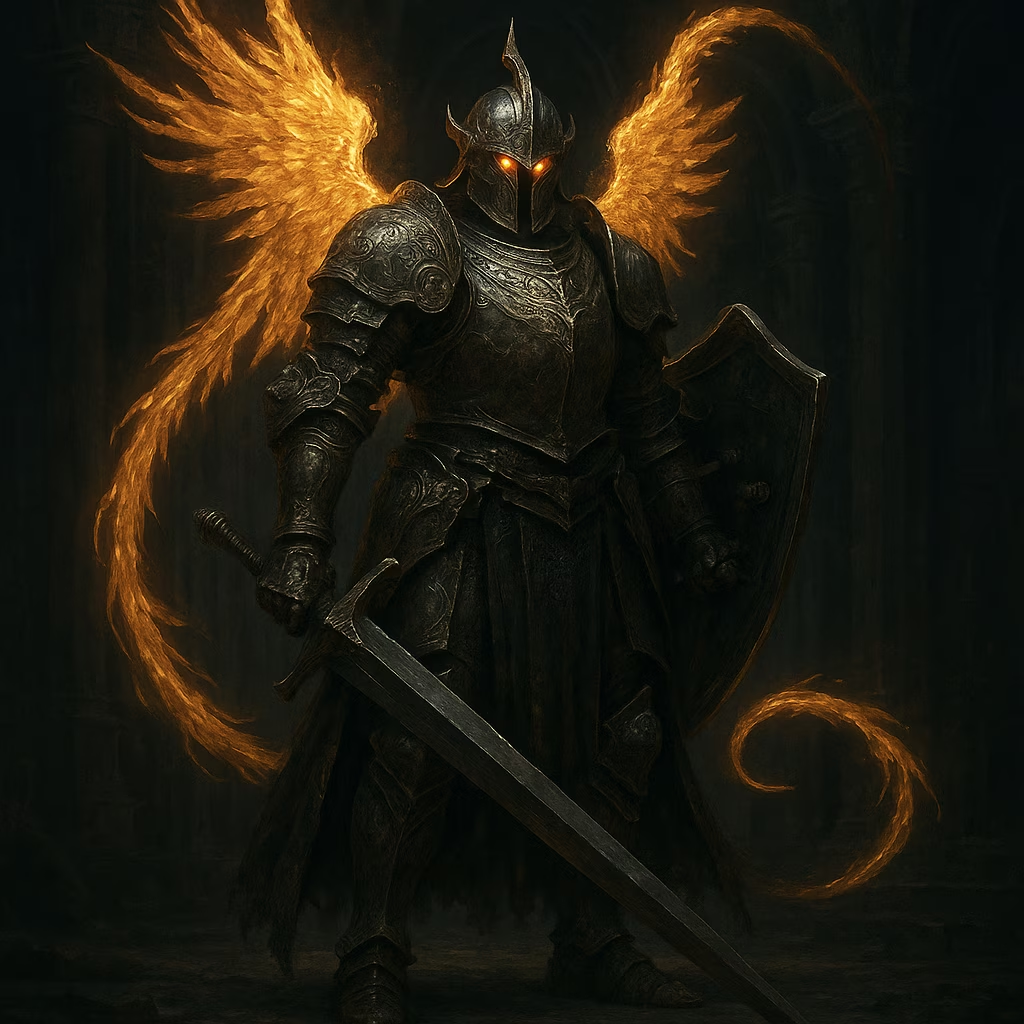
Here is the thing about ELDEN RING NIGHTREIGN: the title screen is the bouncer at the club. It does not shout. It just stands there, polite and immovable, until your credentials match. The lower right corner is where it whispers the truth. If you see Regulation Ver. 1.03.5, you are golden. If you do not, the game is basically telling you to go log in and update. On PS4, PS5, Xbox One, and Xbox Series X|S, regulation files can be downloaded by logging in to the server. That is not a suggestion. It is the handshake.
Here is my personal checklist, refined by too many rushed evenings:
-
Boot the game and let the title screen fully load. Do not mash buttons yet. Let the game breathe. 😌
-
Look at the lower right corner. Confirm App Ver. 1.03.2 and Regulation Ver. 1.03.5.
-
If Regulation Ver. is not 1.03.5, select LOGIN and apply the latest regulation. On PS4, PS5, Xbox One, and Xbox Series X|S, this pulls the regulation file from the server.
-
Download the patch for your platform if you have not already. On Steam, that usually means letting the client finish its update.
-
Restart the game. Not suspend. Not quick resume. Restart. Then apply the update. This part matters more than people admit.
Let me be clear about why this is not just busywork. The App Ver. is the client build. The Regulation Ver. is the live rulebook: enemy tuning, weapon adjustments, and all the invisible math that keeps online play fair. When the server and your game disagree, the game does not argue. It simply locks the door. This update needs to be applied to play online. That is the line that matters. You can stare at the title screen all day, but if your regulation is old, you are not getting into a match.
On PS4, PS5, Xbox One, and Xbox Series X|S, the fix is built into the login flow. Select LOGIN, let the regulation file download, and then restart. On Steam, the patch arrives through the platform client, so make sure the download is complete before you launch. I have seen people blame their router, their ISP, the phase of the moon, and their cat. Nine times out of ten, it is just a regulation mismatch. Trust me, I have been that person.
Here is a quick reference table I keep in my notes:
| Platform | What I do |
|---|---|
| PS4 | Log in to server, download regulation 1.03.5 if needed, restart game |
| PS5 | Same as PS4: check title screen, select LOGIN, apply latest regulation, restart |
| Xbox One | Log in to server, download regulation file, restart |
| Xbox Series X | S |
| Steam | Let the client download the patch, then restart the game and apply update |
One more thing: after downloading the patch, please restart the game and apply the update. I know it sounds obvious. I still forget sometimes. The game will sit there looking innocent, and then online play will quietly refuse to work. It is like the server is tapping its foot, waiting for me to do the one simple thing. Once I restart, everything clicks. The matchmaking opens, the co-op feels alive, and Nightreign goes back to being the chaotic, beautiful thing I signed up for.
Further updates will be distributed in the future for you to continue to enjoy ELDEN RING NIGHTREIGN more comfortably. I like that promise. In 2026, live games can feel like they are always mid-surgery, but a note like this is a small reminder that someone is still tending the garden. So check your version, log in, restart, and maybe I will see you out there. Just do not be the person with Regulation Ver. 1.03.4. We can all smell it. 😅