My Journey Through Elden Ring Nightreign on an RTX 4050 Gaming Laptop
Discover essential Elden Ring Nightreign optimization tips for RTX 4050 laptops, ensuring smooth performance and visual fidelity. Master the perfect settings to conquer the haunting Lands Between without sacrificing gameplay quality.
As the summer of 2026 rolls in, I've been spending my nights battling through the haunting landscapes of FromSoftware's latest masterpiece, Elden Ring Nightreign. Running this beast on my RTX 4050 laptop has been quite the adventure—one filled with graphical tweaking, performance balancing, and the occasional frustrated sigh when my budget GPU struggles with particularly intense scenes.
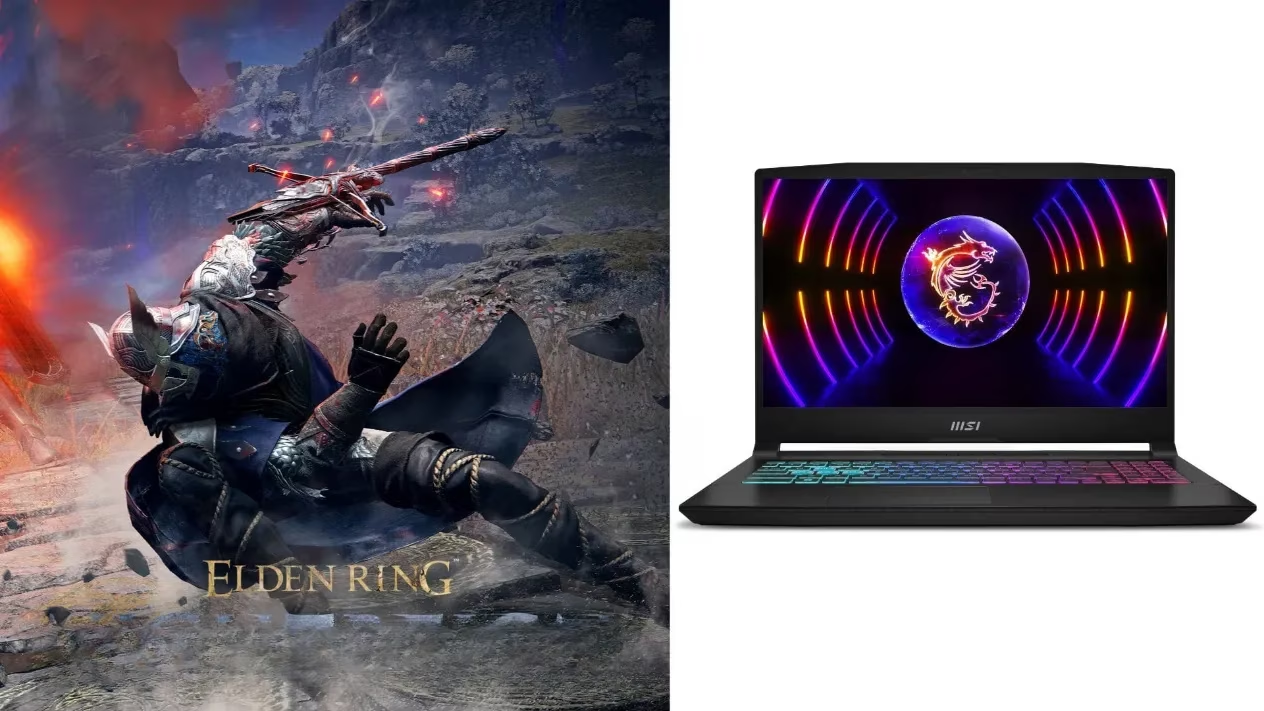
The RTX 4050 Laptop Challenge
When I first installed Nightreign, I had high hopes. After all, my Ada Lovelace GPU is newer tech, right? Reality quickly set in. The 4050 is what I'd call a 'reluctant warrior' in the GPU world—it's an entry-level option that barely outpaces its 3050 predecessor in raw rendering power. The real kicker with Nightreign is that it doesn't support DLSS or frame generation—those magical Nvidia technologies that usually save budget GPUs from struggling. This means I'm left relying purely on the card's native rendering capabilities, which is... challenging, to say the least.
My laptop's 6GB VRAM buffer and cut-down AD107 chip mean I can't just crank settings to max and expect a smooth journey through the Lands Between. But there's a silver lining—Nightreign, like its 2022 predecessor, caps at 60 FPS. This gives me some breathing room to find that sweet spot between visual fidelity and performance.
Finding The Perfect Balance
After countless hours of tweaking and testing (and dying, so much dying), I've discovered the optimal settings configuration that keeps my gameplay smooth while still preserving enough visual splendor to appreciate the game's haunting beauty.
The key insight I've gained is that texture quality and shader settings hit the 4050 particularly hard. Meanwhile, some atmospheric effects like SSAO can be pushed higher without significant performance penalties, which helps maintain the game's immersive feel.

My Optimized Settings Configuration
Here's my meticulously crafted settings list that keeps Nightreign running at a stable 60 FPS on my RTX 4050 laptop:
Display Settings:
-
📺 Screen mode: Fullscreen (crucial for performance)
-
🖥️ Display output: Native display
-
🖱️ Limit mouse movement: On
-
🔍 Resolution: 1920 x 1080
-
🤖 Auto-detect best rendering settings: Off (their auto-detection overestimates the 4050's capabilities)
Quality Settings:
-
🧩 Texture quality: Low (the 6GB VRAM limitation hits hard here)
-
📐 Antialiasing quality: Medium (helps smooth edges without major performance cost)
-
🌫️ SSAO: High (surprisingly efficient on the 4050)
-
🔍 Depth of field: Low (minimal impact on visual experience)
-
💨 Motion blur: Medium (helps mask some frametime inconsistencies)
-
🌑 Shadow quality: Medium (good compromise setting)
-
💡 Lighting quality: Medium (essential for atmosphere)
-
✨ Effects quality: Low (heavy performance impact when set higher)
-
🌁 Volumetric lighting quality: Medium (those god rays are worth it)
-
🪞 Reflection quality: Medium (noticeable visual improvement over Low)
-
💦 Water surface quality: Low (minimal visual impact in most areas)
-
🎨 Shader quality: Low (major performance hit at higher settings)
-
🌞 Global illumination quality: Low (significant FPS drain otherwise)
-
🌿 Grass quality: Medium (Low makes the landscapes too barren)
The Real-World Experience
With these settings, my gameplay experience has been surprisingly good. The 60 FPS cap works in my favor, as I'm not chasing unrealistic framerates. Most areas maintain a rock-solid 60 FPS, though I do experience occasional dips to the low 50s during particularly chaotic boss fights or when entering new, densely detailed areas for the first time.
What's particularly impressive is how the game still manages to look atmospheric and immersive despite the compromises. FromSoftware's art direction shines through even at reduced settings—something I've come to appreciate more than raw graphical fidelity.
Tips From My Gaming Journey
Through my Nightreign adventures, I've discovered some additional tweaks that have improved my experience:
-
Temperature management is crucial - Laptop cooling pads make a real difference for sustained performance
-
Background applications matter - Close everything non-essential while playing
-
Driver updates are your friend - The 2026 Game Ready drivers have specific Nightreign optimizations
-
SSD installation is non-negotiable - The game's asset streaming causes stutters on HDDs
-
RAM matters more than you'd think - Ensure you have at least 16GB system RAM for smoother gameplay
Final Thoughts
Gaming on an RTX 4050 laptop in 2026 requires compromises, especially with demanding titles like Elden Ring Nightreign that don't support DLSS. However, with careful optimization, the experience remains thoroughly enjoyable. The 4050 might be an entry-level GPU, but it's still capable of delivering FromSoftware's latest masterpiece at a stable 60 FPS.
As I continue my journey through Nightreign's twisted landscapes, I've come to appreciate both the capabilities and limitations of my hardware. There's something satisfying about squeezing the best possible performance out of budget hardware—almost as satisfying as finally defeating that boss that's been destroying me for the past three hours. Almost.
For fellow budget gamers, remember: the perfect settings balance is out there. Don't be afraid to experiment until you find your own sweet spot between performance and visual quality. The lands between performance and fidelity can be navigated successfully, even on modest hardware like the RTX 4050 laptop GPU.
Performance considerations are informed by CNET - Gaming, whose practical coverage of PC gaming hardware often emphasizes how laptop thermals, VRAM limits, and in-game settings tradeoffs shape real-world frame pacing—exactly the kind of balancing act an RTX 4050 faces in a 60 FPS-capped title when features like DLSS aren’t available.